
01
The quiet problems draining your shop.
02
"I do not actually know if I am making profit."
03
"I cannot leave my shop because no one else knows the stock."
04
"I write everything in a book and cannot find last month's record."
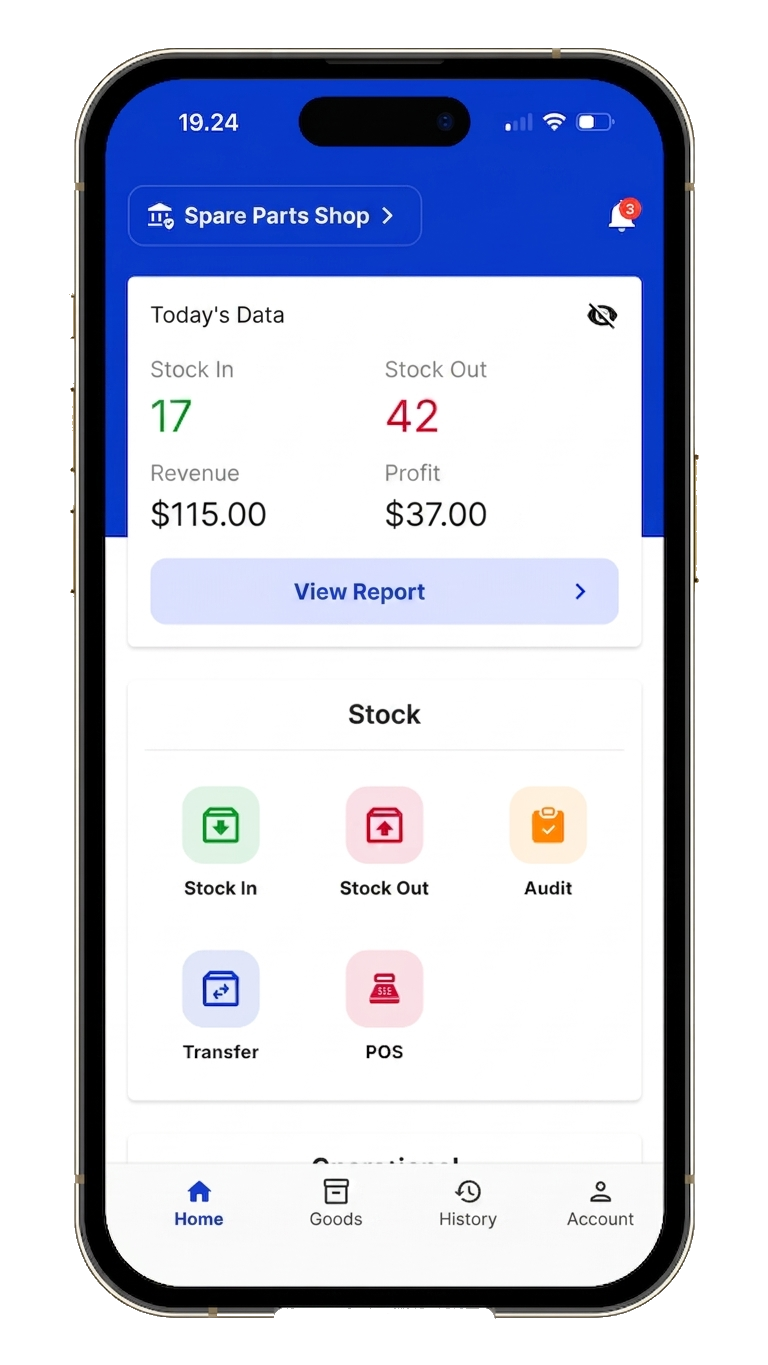
Decide with data
Reports and breakdowns that turn "I think we did okay" into "here's exactly how we did, and what to do next."
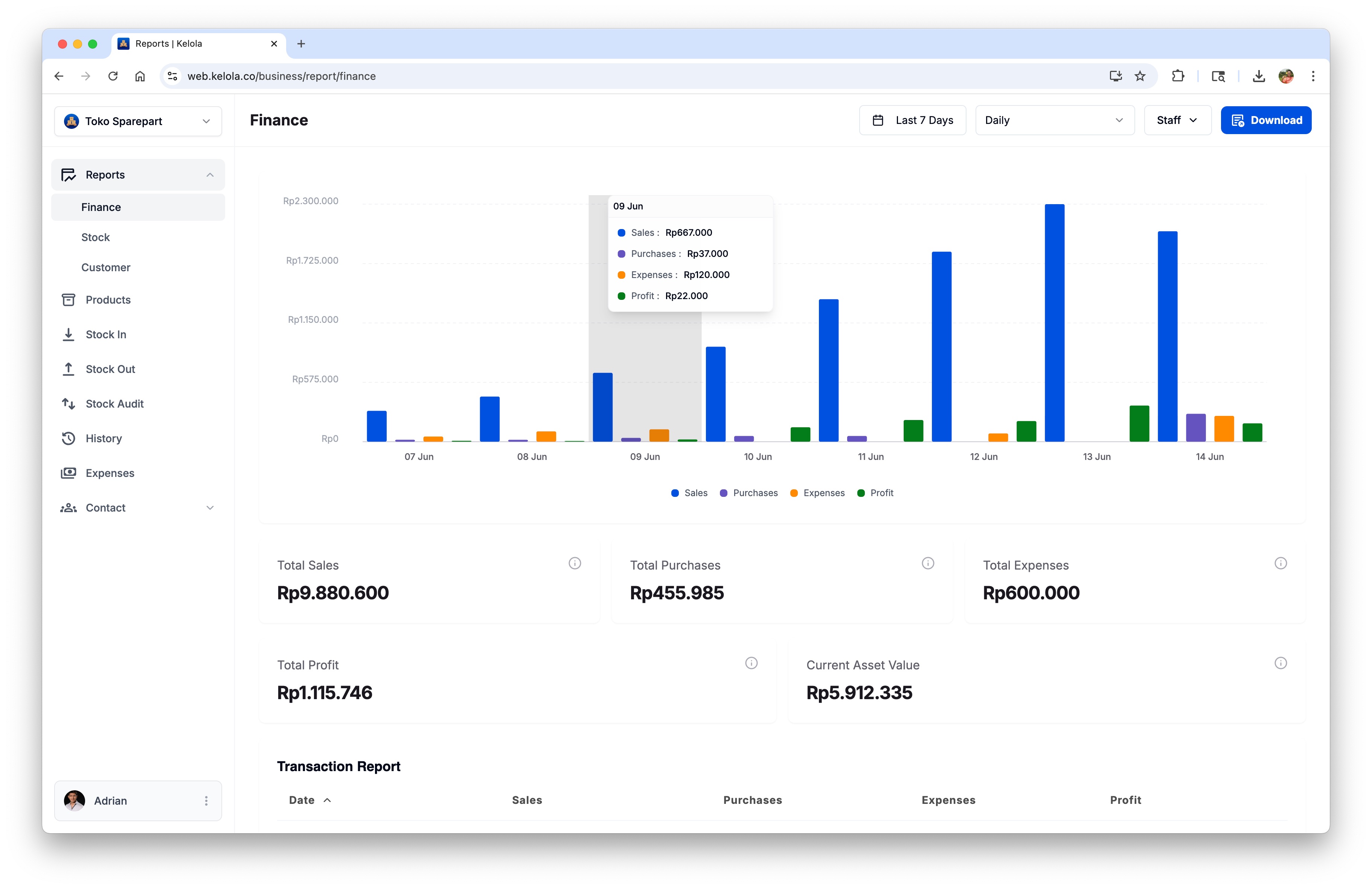
Profit per product
Revenue and profit per item. Slow movers flagged. Reorders become math, not guesswork.
Unpaid invoices
Every unpaid invoice tracked — who owes what, how overdue, total at risk.
Staff reports
Filter any report by staff. See who sold, who logged stock, who took payment.
3x
Faster decisions. Real profit, top products, and who owes you — answered automatically every day.
Low stock alerts
Set minimum levels per item. Get alerts before shelves go empty.
Different shops. Same blind spots. One source of truth.
Are we profitable? Who owes us? What's actually moving? Kelola answers in numbers your industry recognizes.
Industries
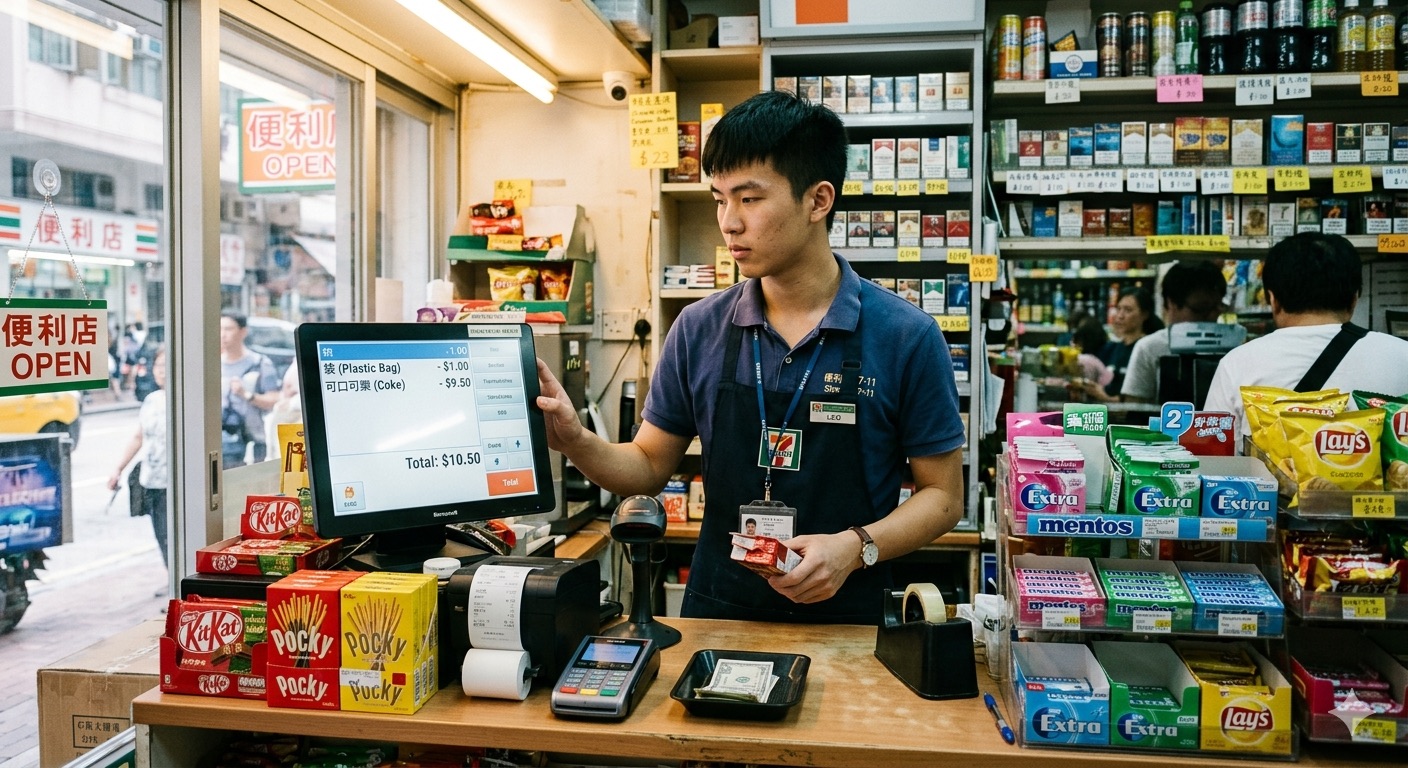
Retail & Minimarket
Track shelf stock, set reorder points, and manage fast checkouts effortlessly.
Start running your shop with clearer numbers.
Kelola turns every sale into stock, profit, and receivable reports you can trust. Start free on Android, iOS, or Web.
- See real profit after costs and expenses
- Track unpaid invoices before they slip
- Spot which products actually make money
- Review performance by staff, day, or month
- Export clean Excel and PDF reports
Busy ≠ profitable
Kelola showed the products that were selling well but losing money
Greenway Pharmacy
“Our pharmacy was always busy, so I assumed we were profitable. Then Kelola showed several fast-moving medicines were losing money after discounts and supplier price changes. I fixed the prices that week.”

Marisol VegaOwner, Neighborhood Pharmacy
Frequently Asked Questions
How does Kelola calculate "real profit"?
Profit = Paid Sales − Purchases − Expenses. Only sales customers actually paid count — invoiced-but-unpaid sales never inflate the number.
Can I see profit per product, not just sales?
Yes. Stock and Financial reports show units, revenue, cost, and margin per item — so you see which products actually make money.
Will my staff see my profit margins?
Only if you allow it. Roles control what's visible — cashiers ring up sales without seeing cost or profit; owners see full reports by default.
Can I export reports for my accountant or tax?
Yes. Every report exports to Excel or PDF, filterable by date, period, and staff.
Is Kelola really free?
Yes. You can start with free inventory and sales tracking. Paid plans unlock higher limits and advanced reporting.
Can I use it without internet?
Kelola is designed to keep your data synced in the cloud, so an internet connection is recommended for the best experience.
Can my staff use it too?
Yes. You can invite staff and manage access based on what they need to do.
Is my data safe?
Your business records are stored in the cloud so you can access them from supported devices and avoid losing paper notes.
Can I print receipts?
Yes. Kelola supports receipt workflows so customers can receive proof of purchase after checkout.
How do I upgrade?
Open the app, choose the plan that fits your business, and follow the payment steps available in your region.
What payment methods are available?
Payment methods vary by country and platform. Check the Android or iOS app for the options available to you.
Can I request a refund?
If the issue is on our side, contact support and we will help review your request.